Record jumps, throws, and high jump results on an iOS or Android tablet. Results sync directly to the SplitFast Results Portal — no paperwork, no manual entry, no delays.
Download on the App Store
Get it on Google Play
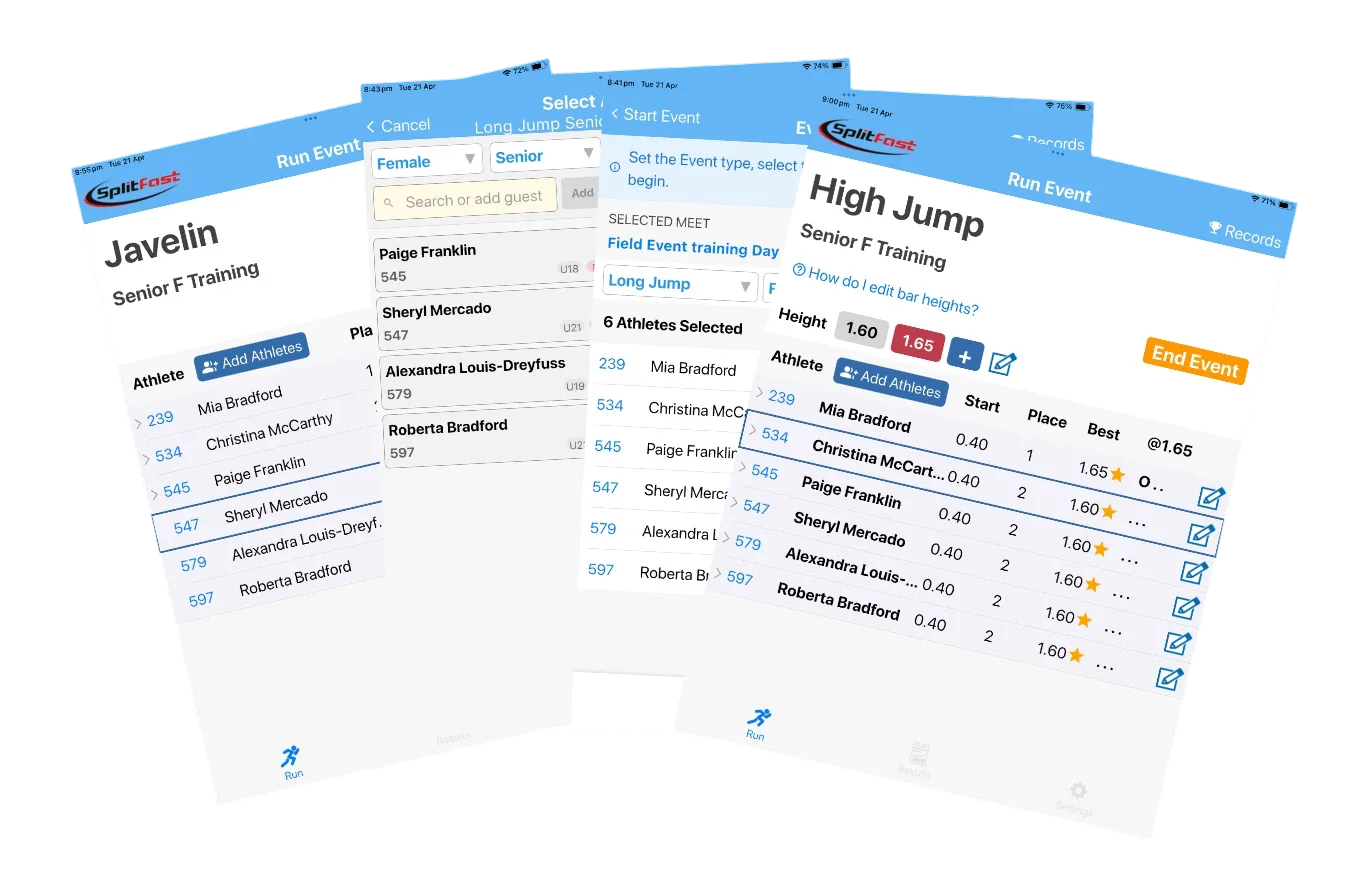
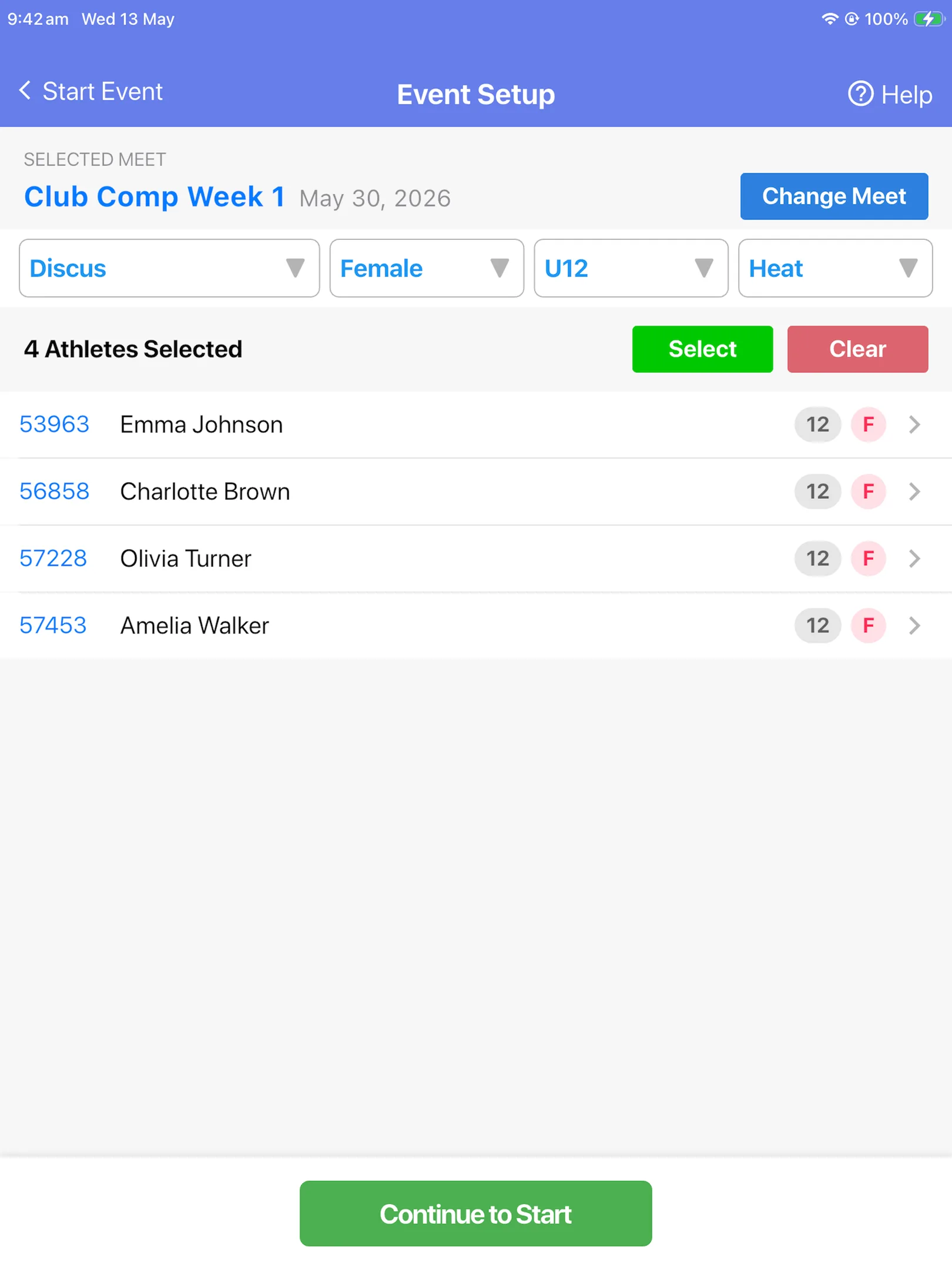
Set up any field event with ease — event type, gender, age group, and heat. Athletes are pre-loaded from the SplitFast Results Portal so there's nothing to type on the day.
Yes. Once you have downloaded your meet settings from the Results Portal, the app works completely offline. You can record all field event results without any WiFi or mobile data on the day. Results are saved locally on the tablet and synced to the portal whenever you are back online — during a break or after the meet has finished.
Event Setup — four dropdowns, athletes confirmed, ready to go
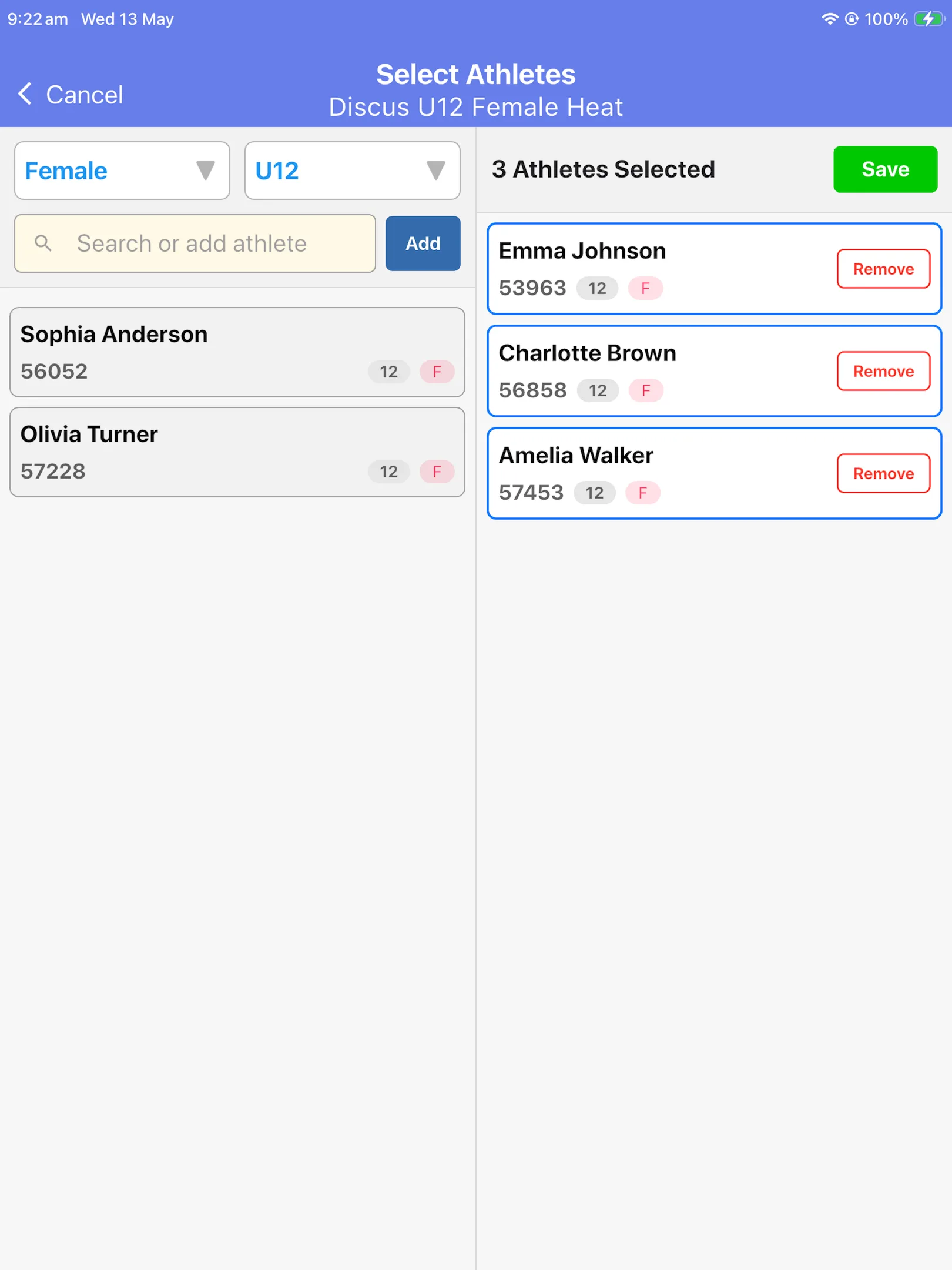
Athletes are drawn from your club's database and filtered automatically by age and gender. Select them with a tap, and add or remove competitors at any point during the event.
Athletes filtered by gender and age group — tap to select, tap Remove to deselect
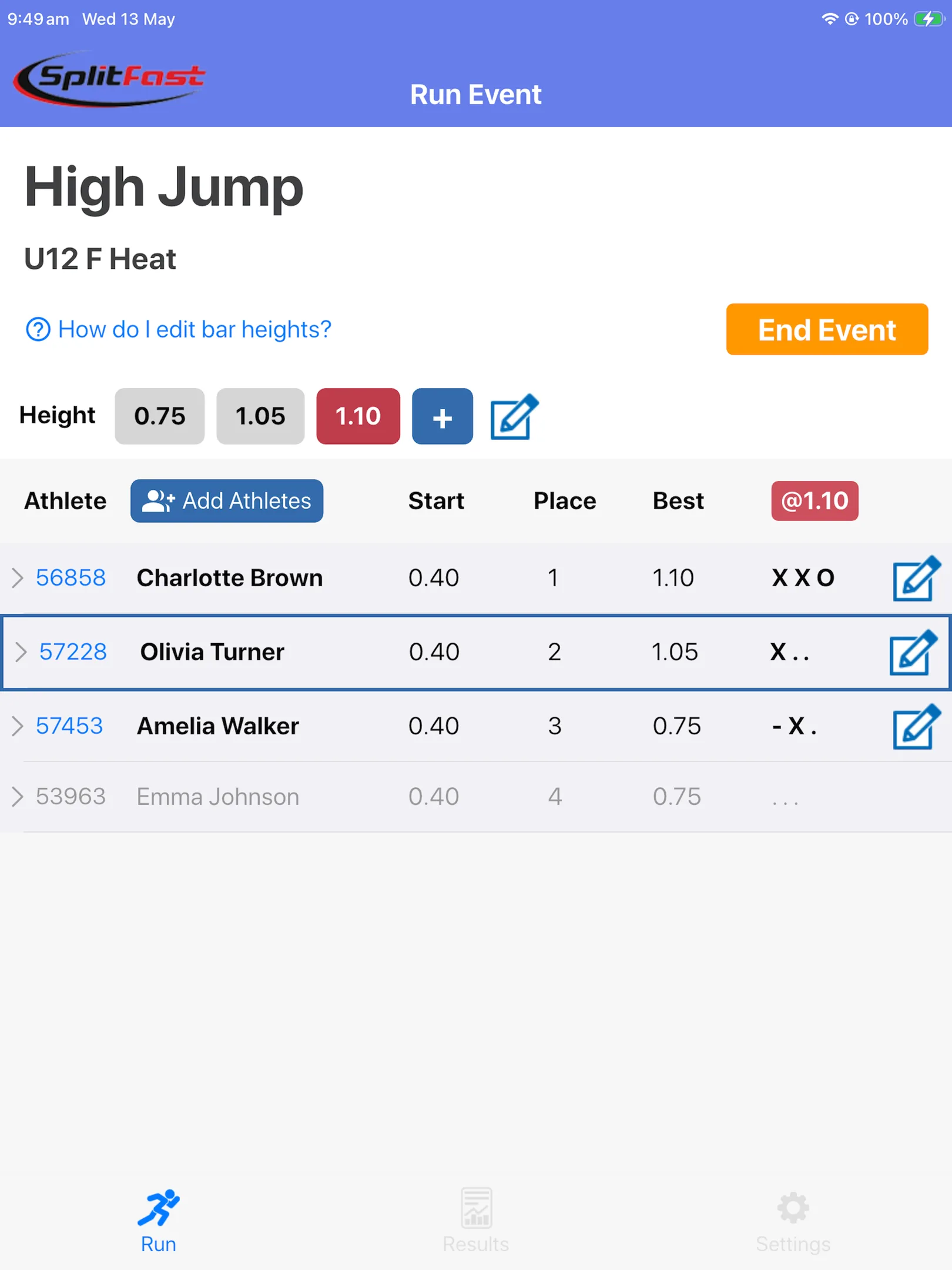
High jump is genuinely complex — multiple athletes, progressive bar heights, elimination rules, passes, and records. The app manages all of it automatically so your official can focus on the event, not the paperwork.
Live High Jump — bar heights, live rankings, and one-tap result entry
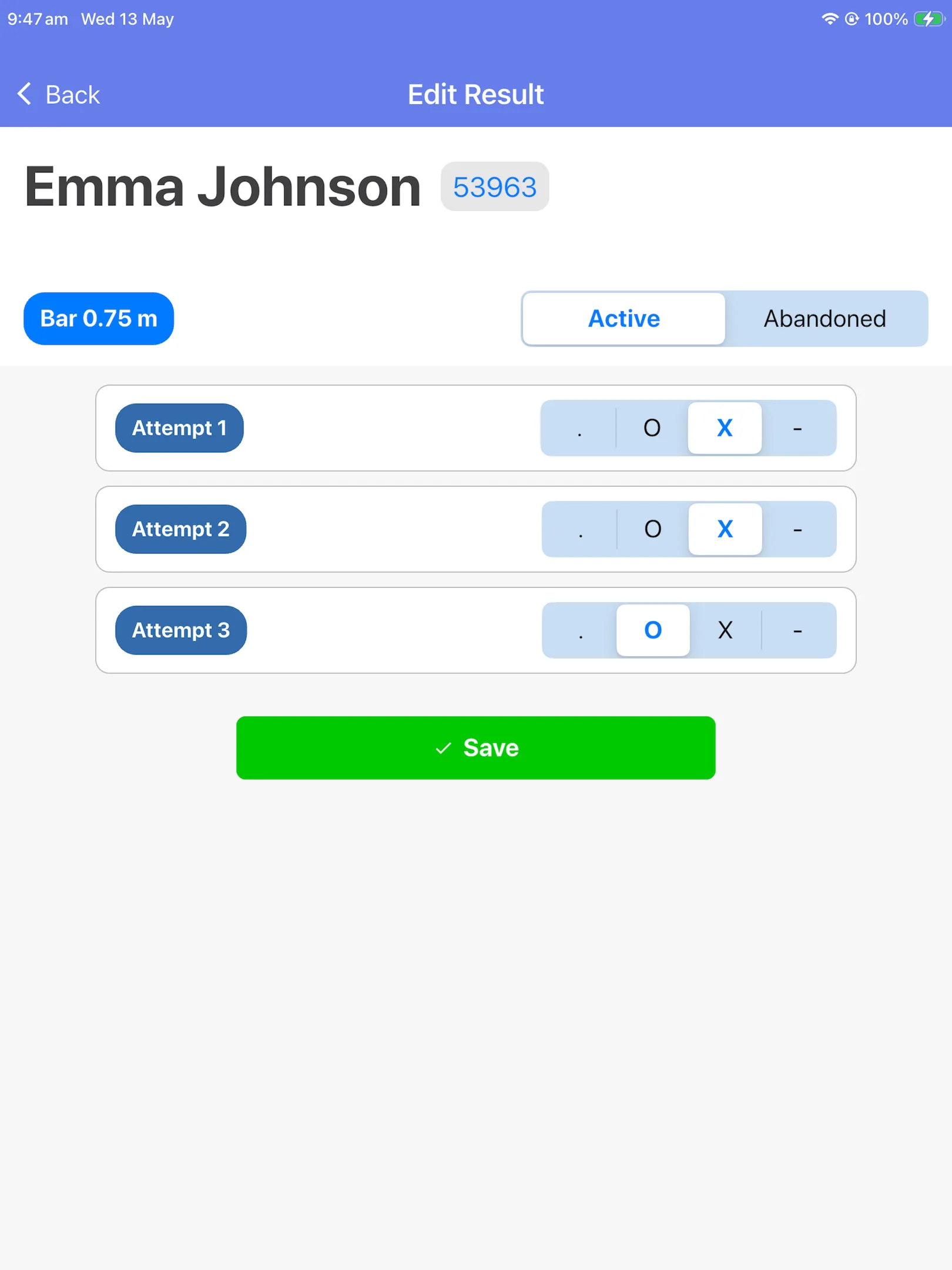
High Jump result entry — tap O, X or — for each attempt at the current bar height
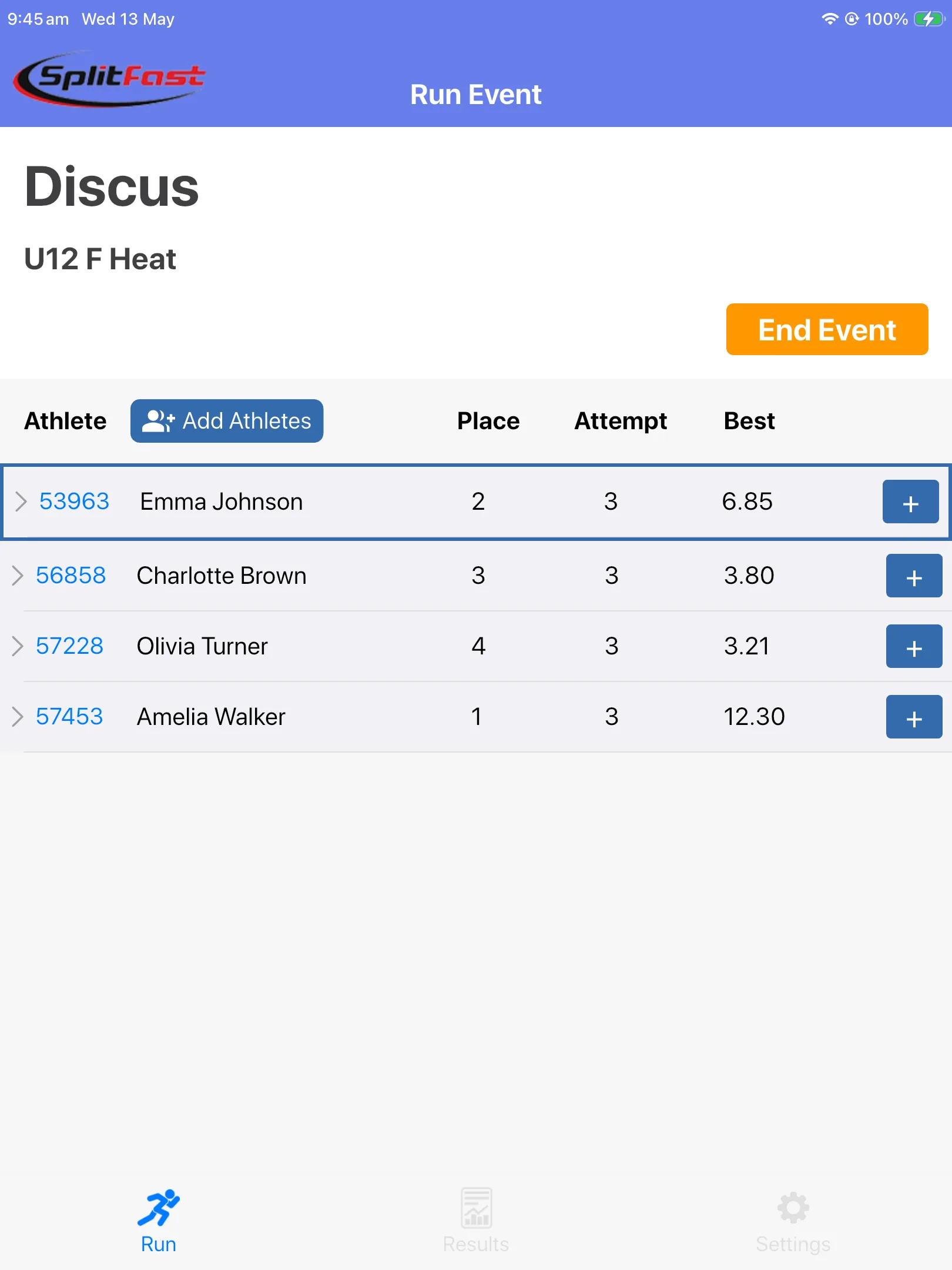
As each athlete completes their attempt, tap the + button beside their name, enter the result, and save. The app instantly updates the live rankings and tracks each athlete's best performance — so you always know exactly where the competition stands.
Live Javelin — real-time rankings showing place, attempt count, and best distance for each athlete
The Field Events App follows a simple, repeatable workflow for every event type. Officials learn it in minutes — no training sessions required.
Choose the meet created in the Results Portal. Athletes and event program load automatically.
Select event type, gender, age group, and heat. Confirm athletes competing.
Tap the + button as each athlete completes an attempt. Enter distance or height and save.
Tap End Event when all attempts are complete. Edit any results if needed.
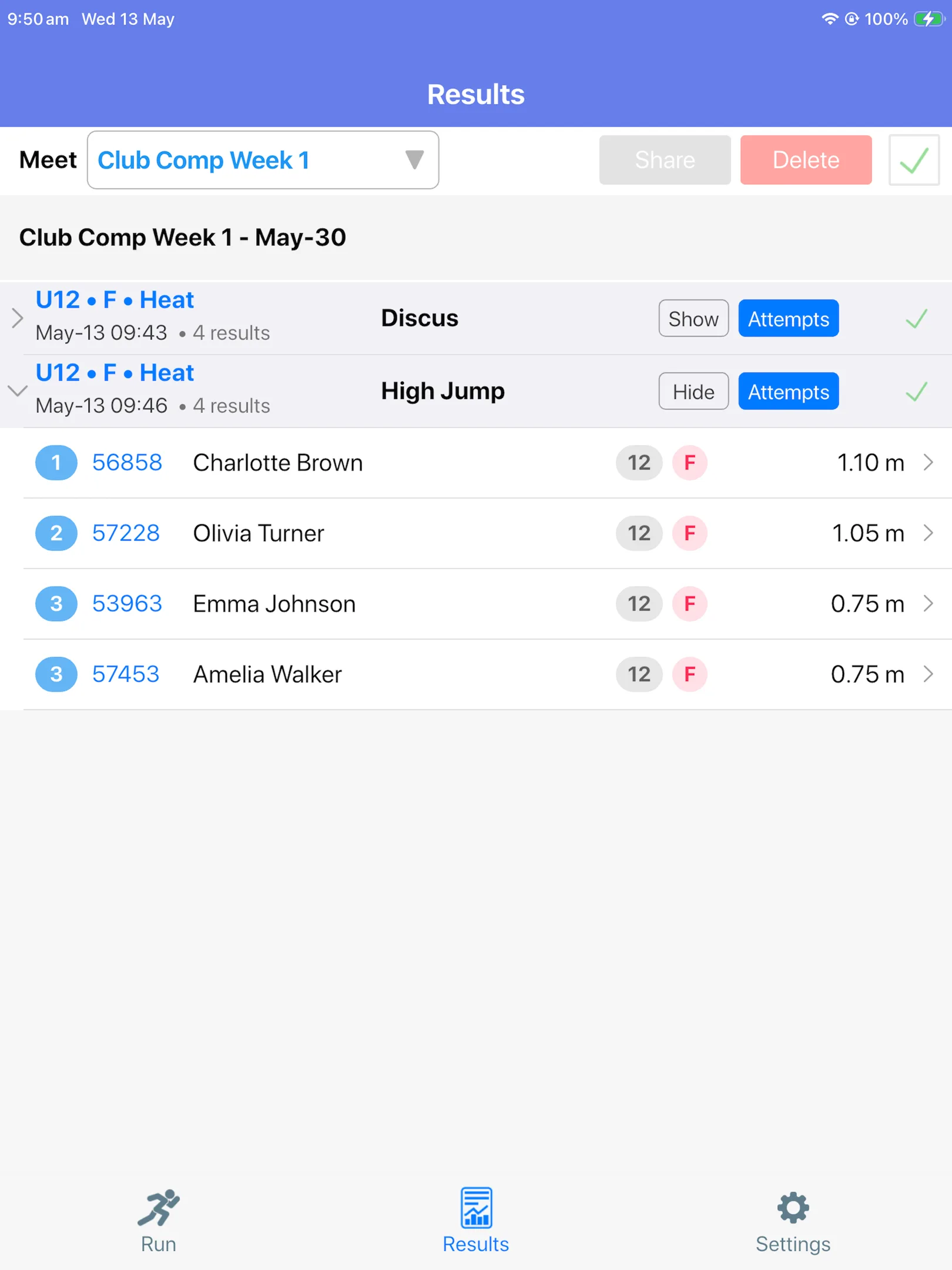
Select the event in Results, tick the box, and tap Sync. Done.
Results sync to the SplitFast Results Portal alongside track times, giving athletes, parents, and administrators a single view of the entire carnival in real time.
Field event results appear in the portal as they are recorded, shown as pending until validated by an administrator.
The portal flags new PBs and club records automatically. Club records require ratification by an authorised official before they are confirmed.
Download meet settings before you arrive. Record all results offline — no WiFi or mobile data needed on the day. Sync when you're back online.
When a club record is broken, the app prompts the official for their name and a pre-configured authorisation code. The result is added to the pending records list in the portal, where club administrators can review and confirm it. Records are only accepted once validated — protecting the integrity of your club's records.
Results page — sync completed events to the portal with one tap
Available free on iOS and Android. Requires an active SplitFast Results Portal account. Contact us to get set up.
App Store QR
Google Play QR